Here’s a guide to help you register your child for a GEVA (Garden Empire Volleyball Association) membership, which is required to participate in USA Volleyball-sanctioned events:
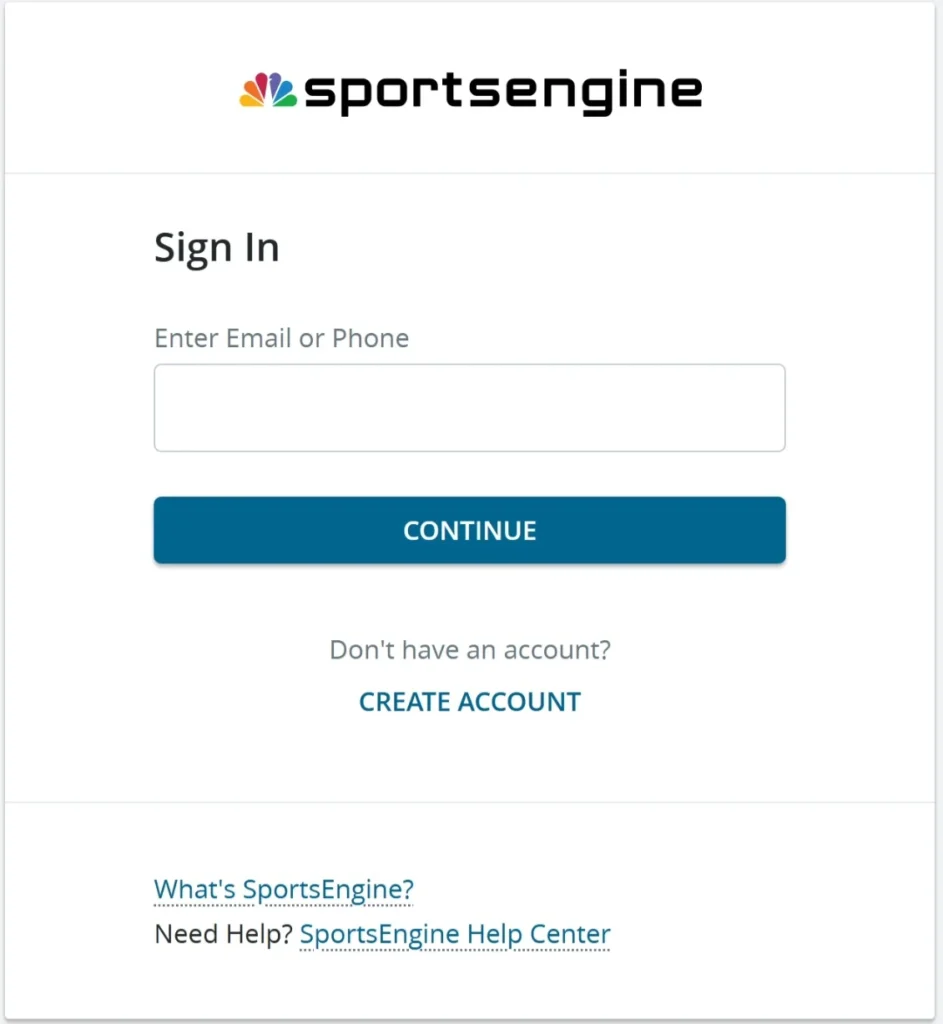
Create a SportsEngine profile to manage people and memberships. Click on CREATE ACCOUNT
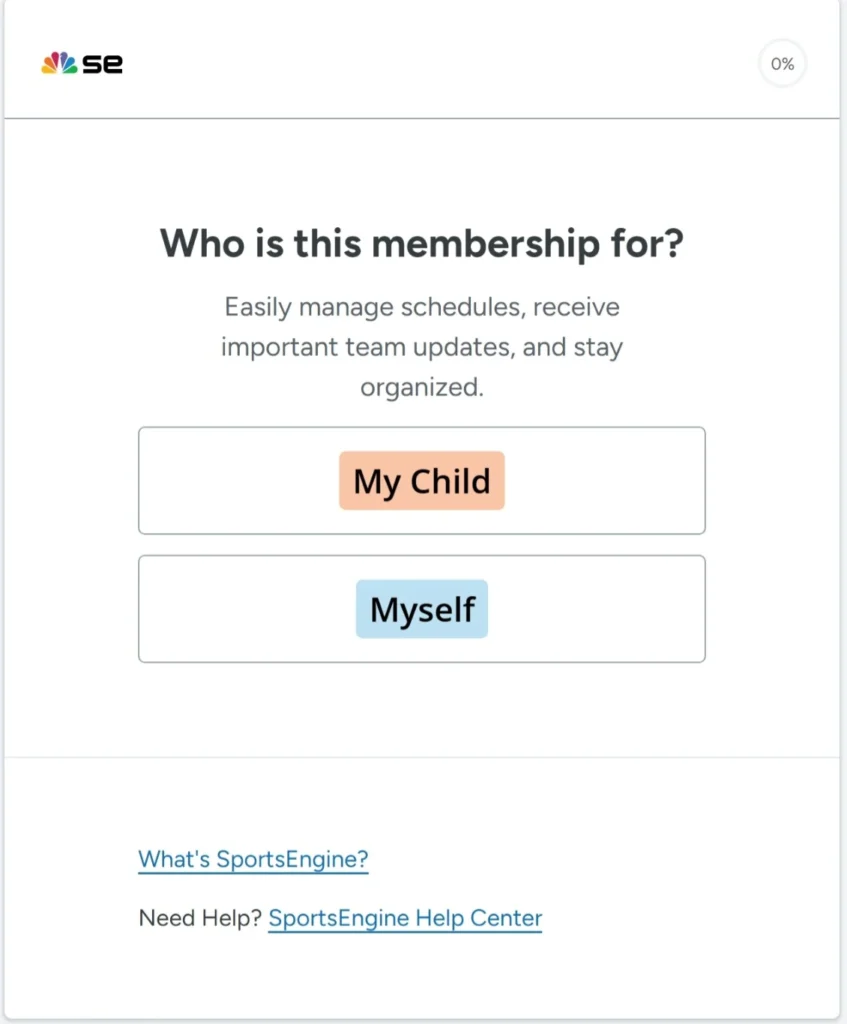
Create this profile for your child. Click on My Child.
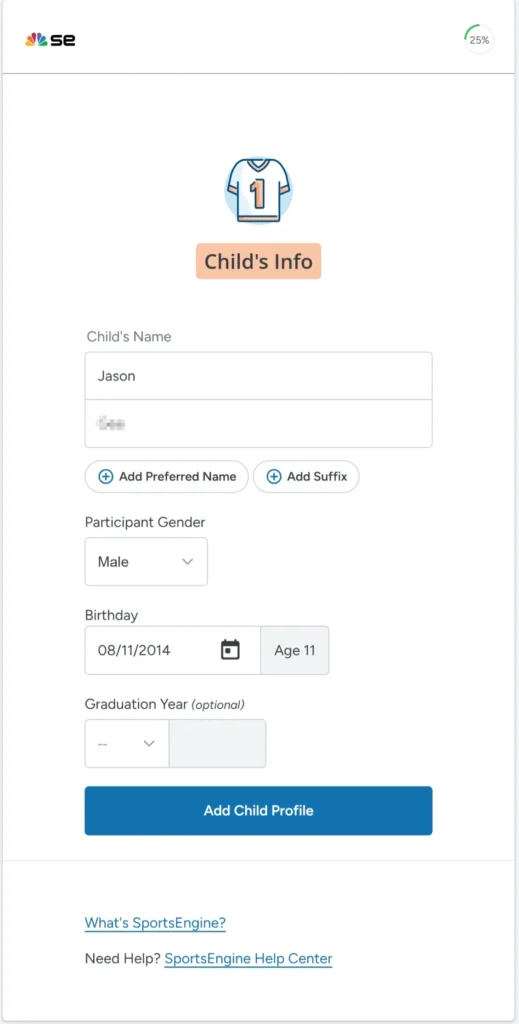
Enter your child's information
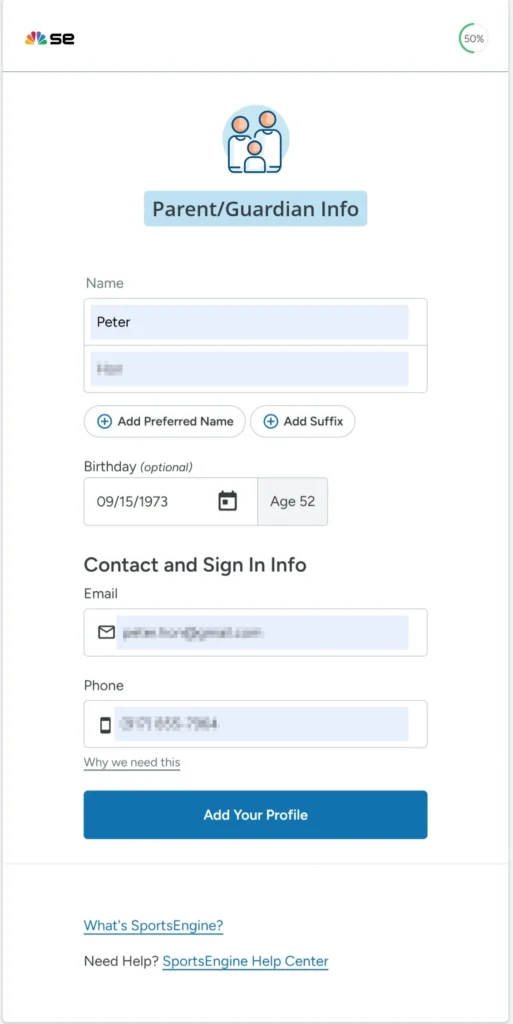
Add parent/guardian information
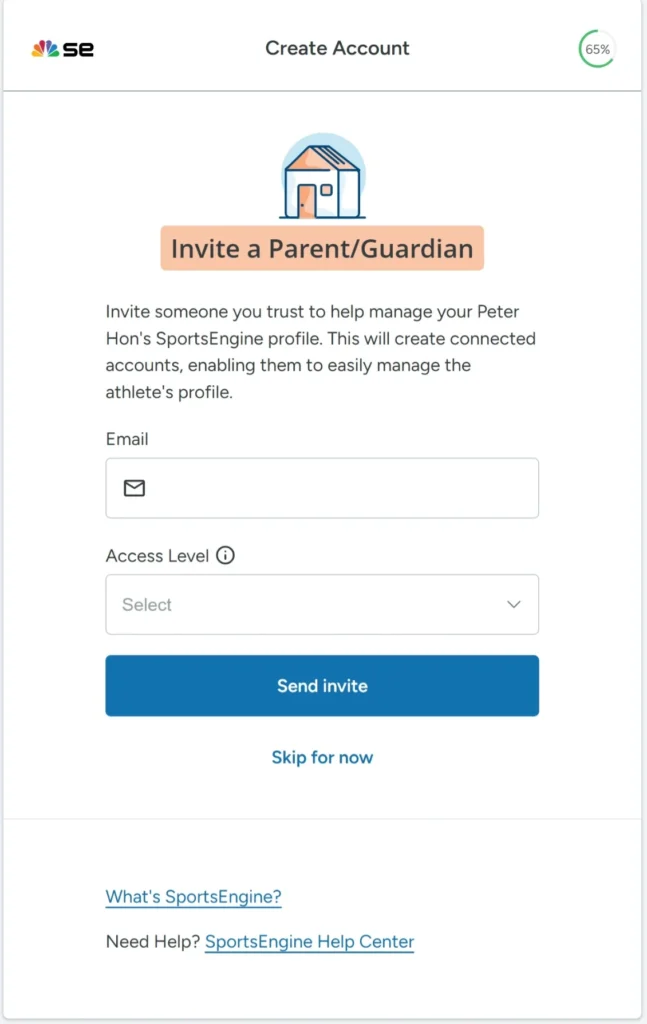
When prompted to invite a parent/guardian, click on Skip for now.
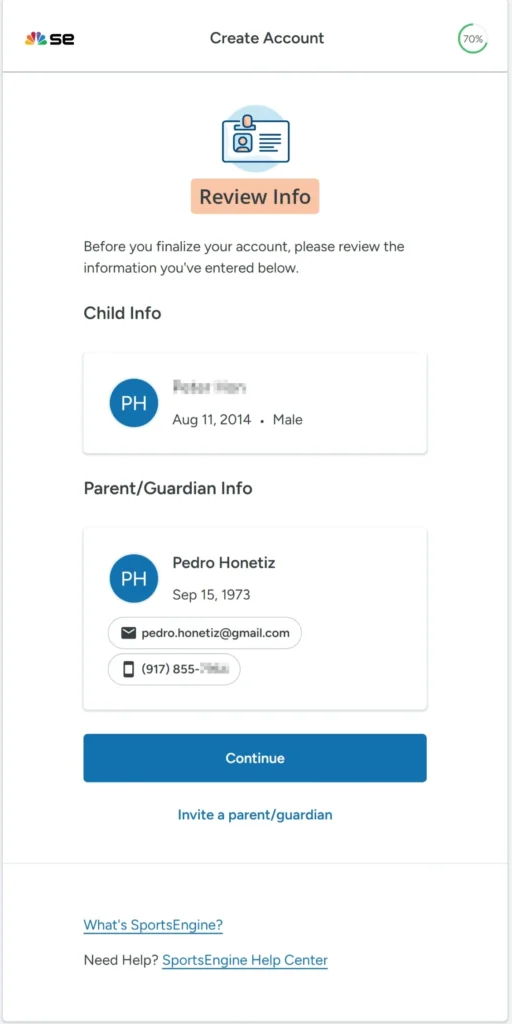
Review your information and then click on Continue
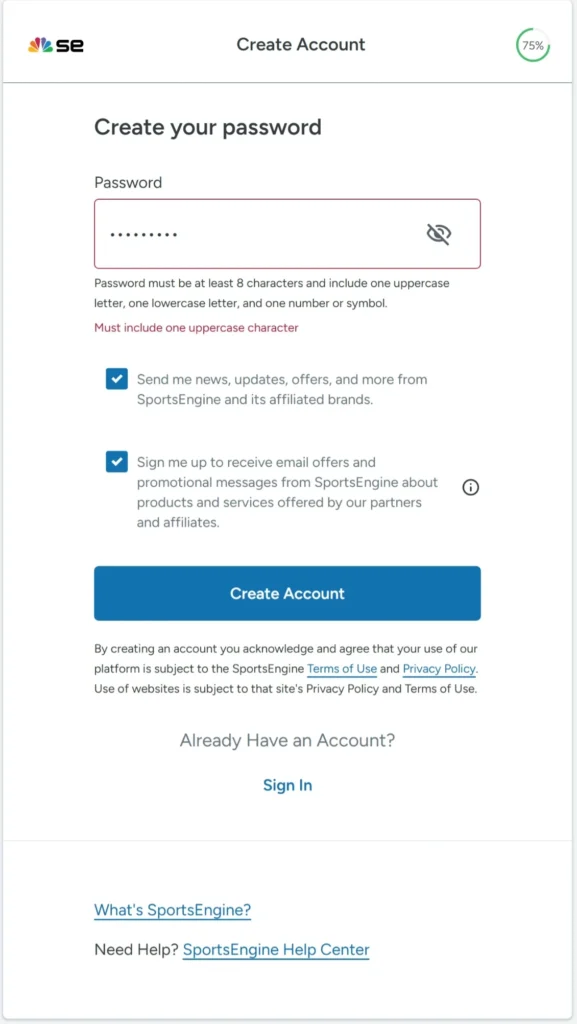
Add a password and then click on Create Account.
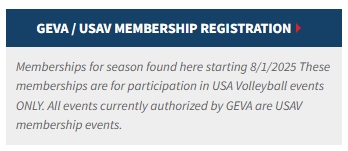
Go to GEVA's website Membership Registration and click on GEVA/USAV Membership Registration.
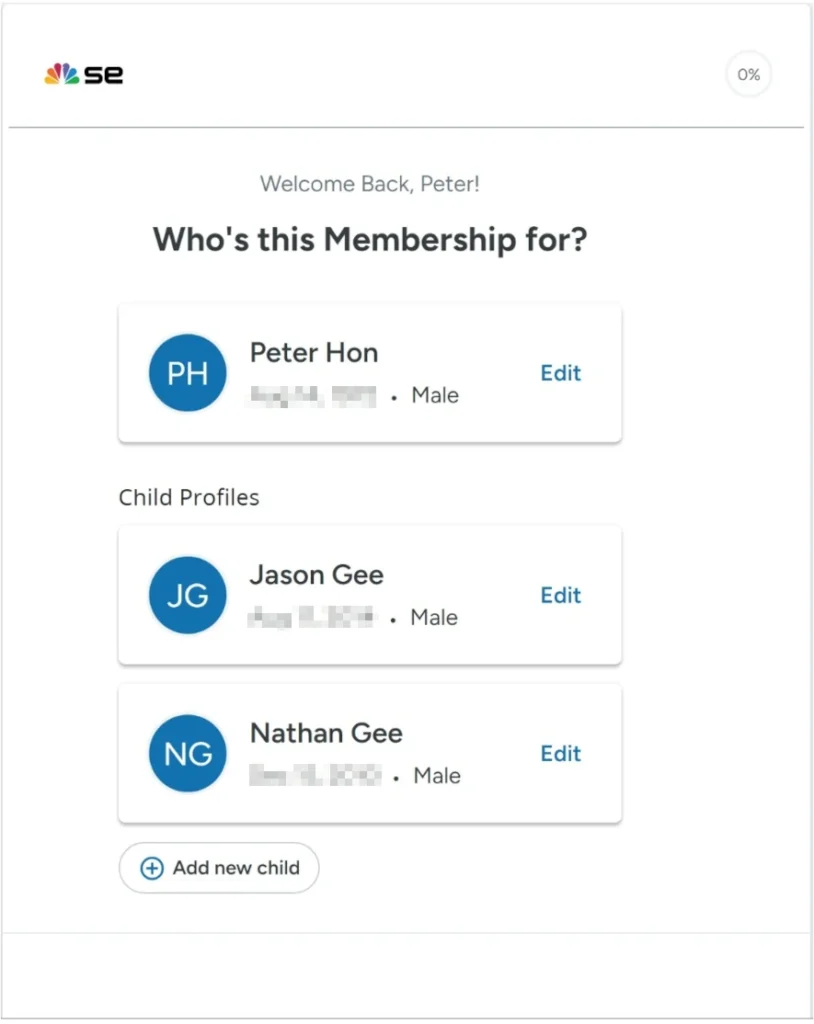
This will take you to your SportsEngine profile. When prompted with "Who's this Membership for?" select your child.
Your child will be participating for a Season.
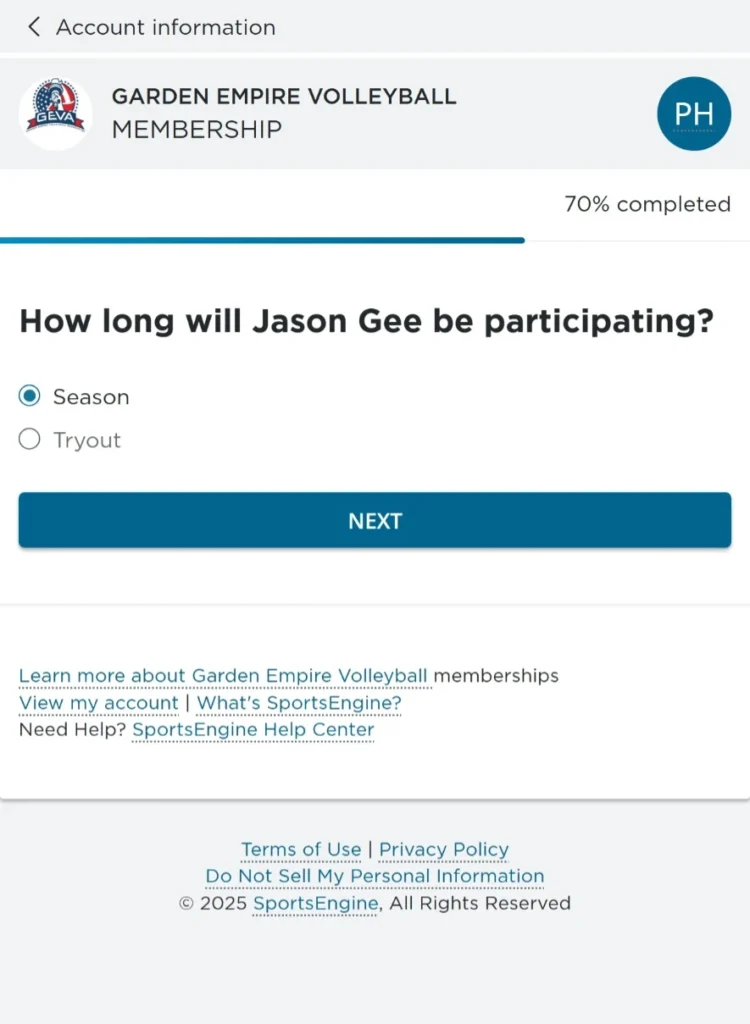
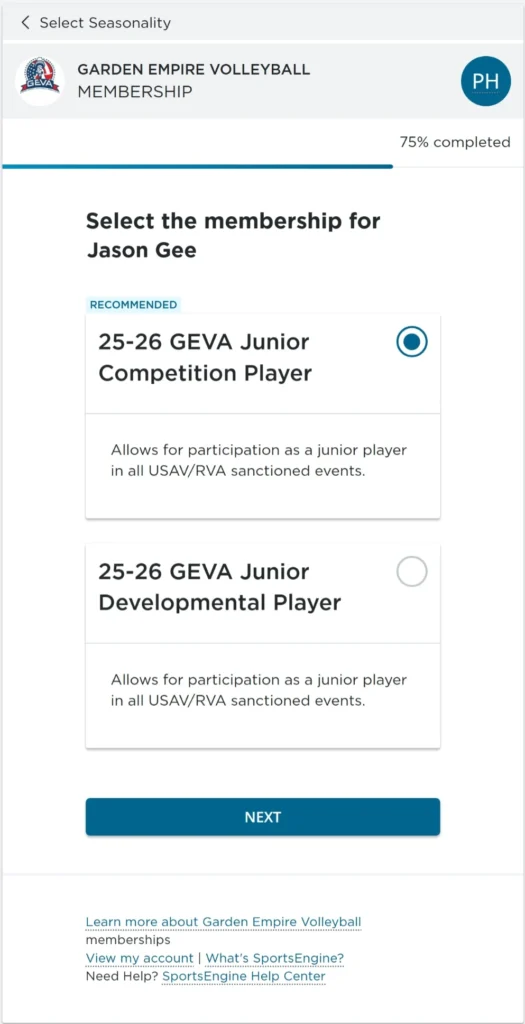
Your child will be in the Junior Competition Player category
Complete your child's profile
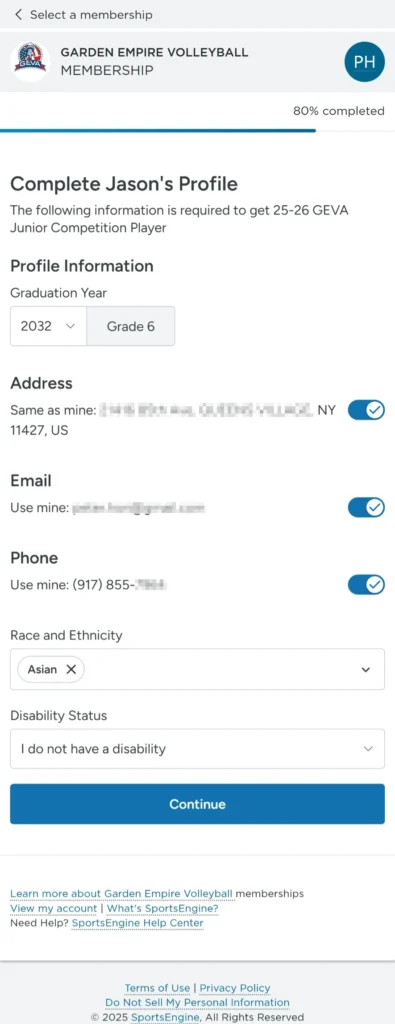
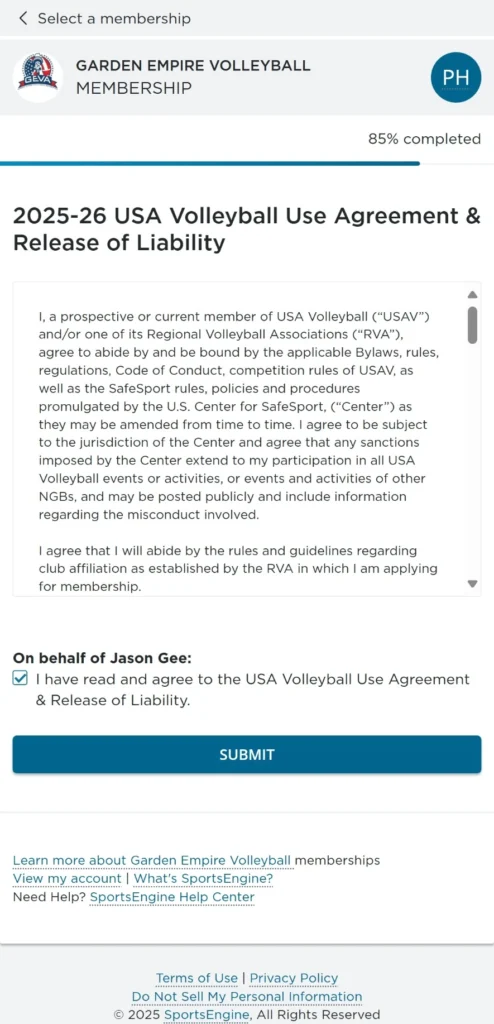
Agree to Volleyball Use Agreement & Release of Liability
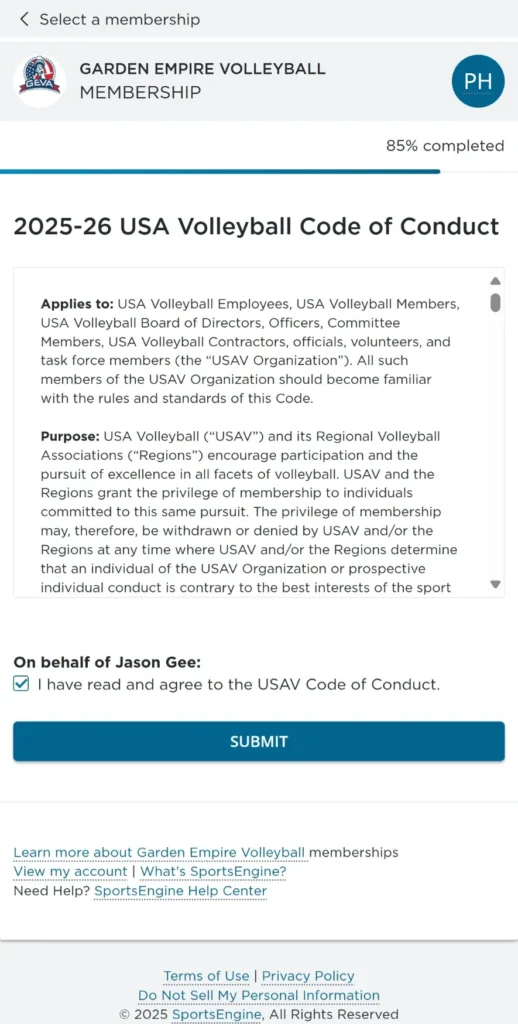
Agree to USA Volleyball Code of Conduct
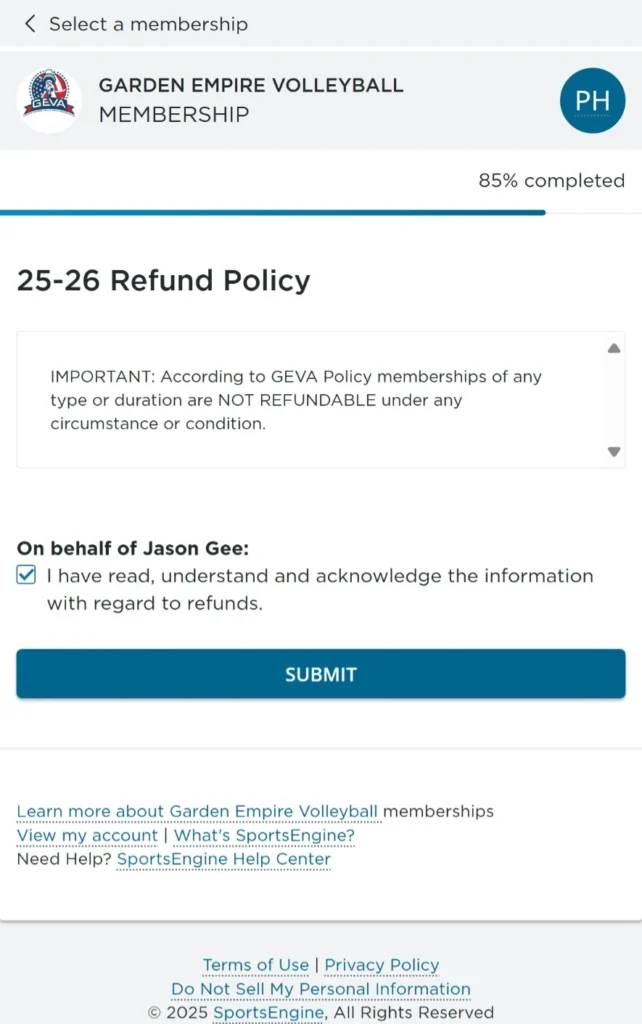
Agree to GEVA's Refund Policy
Review all the products required for the membership
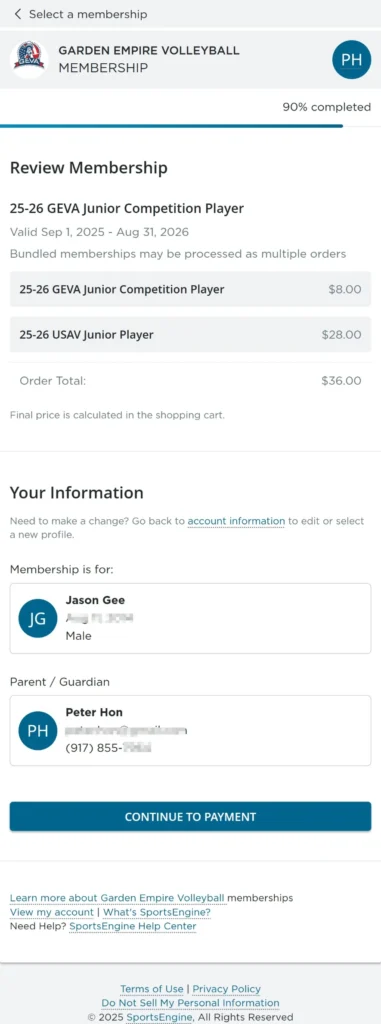
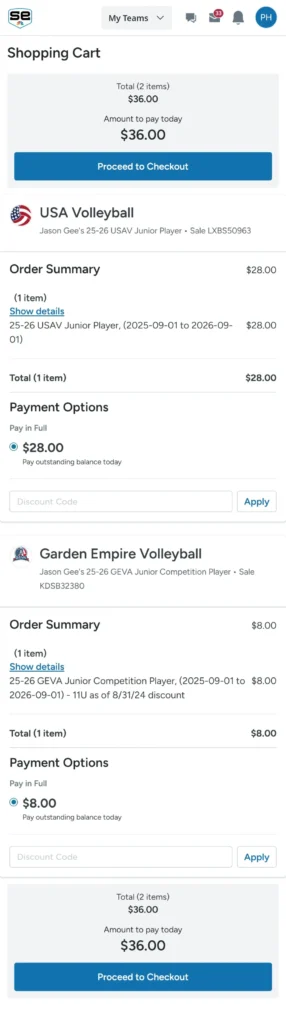
Review your cart and Proceed to Checkout.
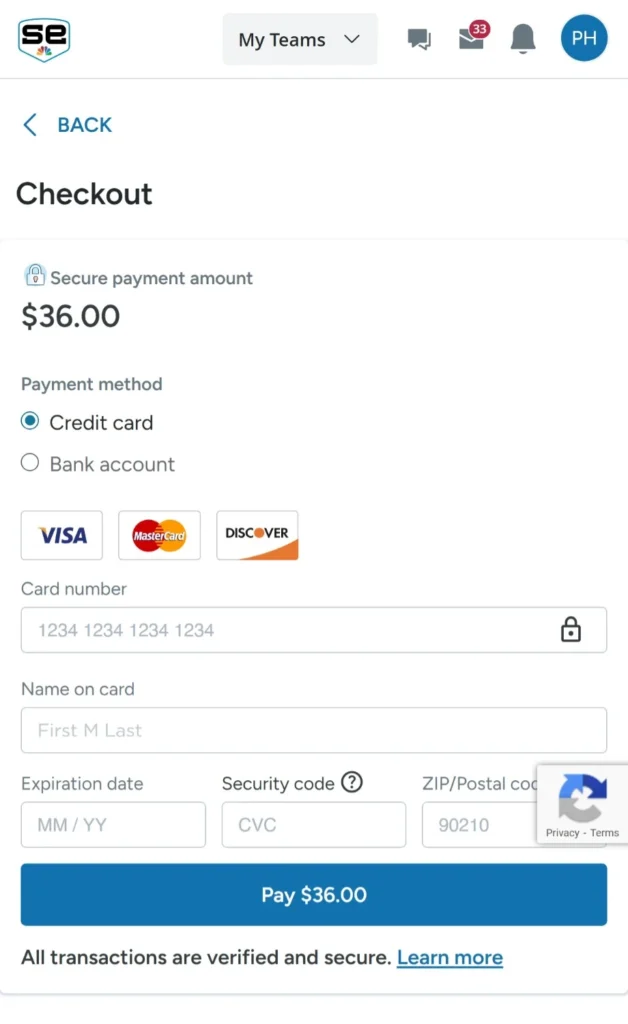
Checkout